
The ground log register
Metrics, filters, columns and opening a log.
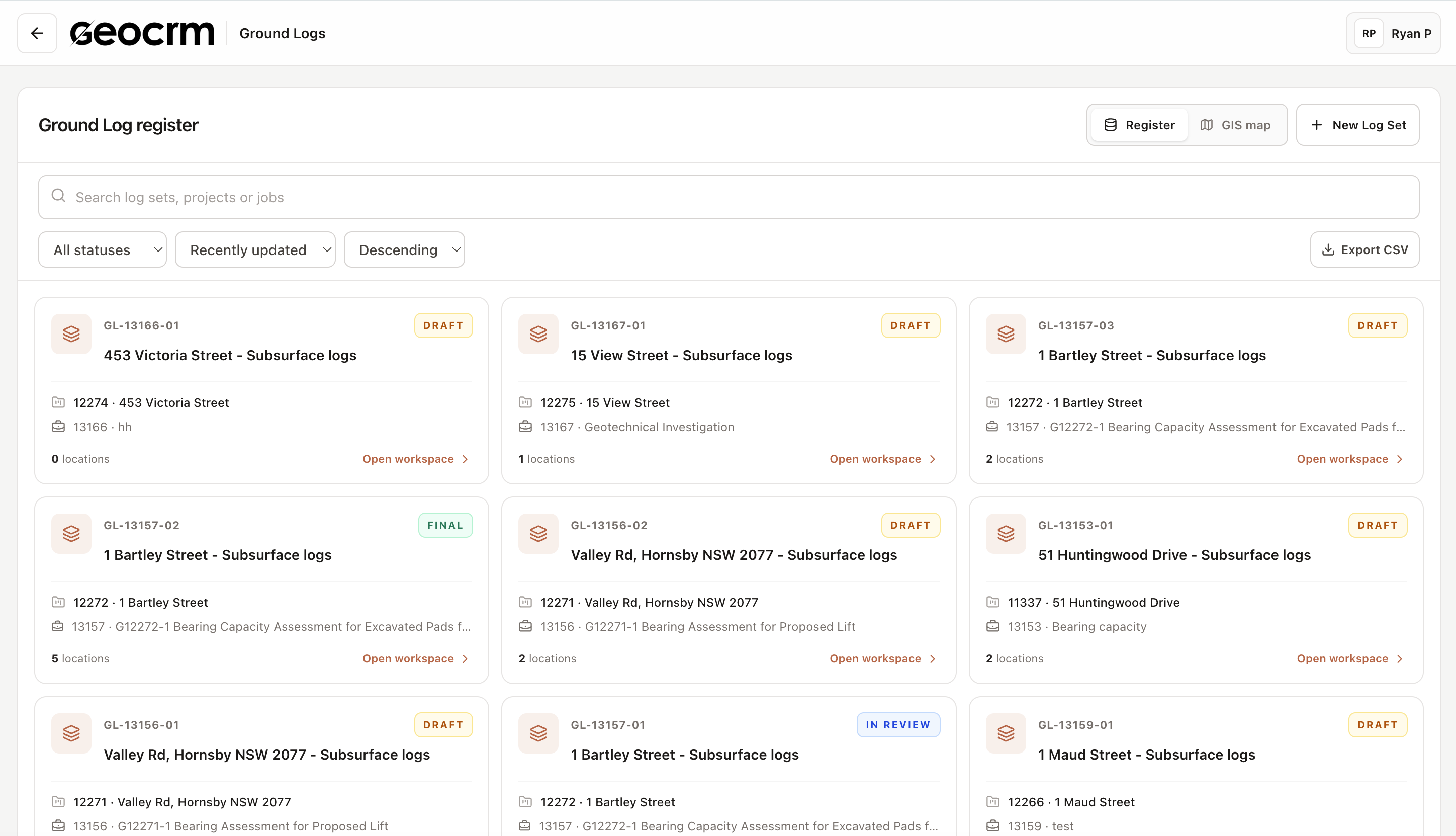
A ground log is a subsurface investigation. One ground log holds several investigation locations — boreholes, trial pits, CPTs and monitoring wells — belonging to the same job.
The metrics
| Metric | Meaning |
|---|---|
| All logs | Every investigation location recorded |
| Boreholes | Locations logged as boreholes |
| Test pits | Locations logged as trial pits |
| Completed | Locations with field status Complete |
| Investigations | Distinct ground log sets |
Searching and filtering
Search matches on log, investigation, project, job or client. Two dropdowns narrow the list:
- All log types — borehole, trial pit, CPT, monitoring well
- All field states — planned, in progress, complete
Reading the register
| Column | Shows |
|---|---|
| Ground log | Location name (for example BH11) with its log set reference (GL-13159-01) |
| Type | Location type, plus a Planned or Complete badge |
| Project & client | Project number, name and client |
| Job | The job this investigation belongs to |
| Depth & data | Final depth, reduced level, and counts of strata, samples, tests and core runs |
The Depth & data column is the quickest way to spot a location that has been drilled but not yet logged — depth recorded, but 0 strata.
Opening a log
Click any row. The location opens in the Subsurface Log Studio in a new browser tab.