
One searchable client register
Search by name, email, phone, ABN or address instead of checking separate contact lists and project folders.
Keep organisations, people, contact details and project activity searchable in the same operational system your team uses to deliver the work.
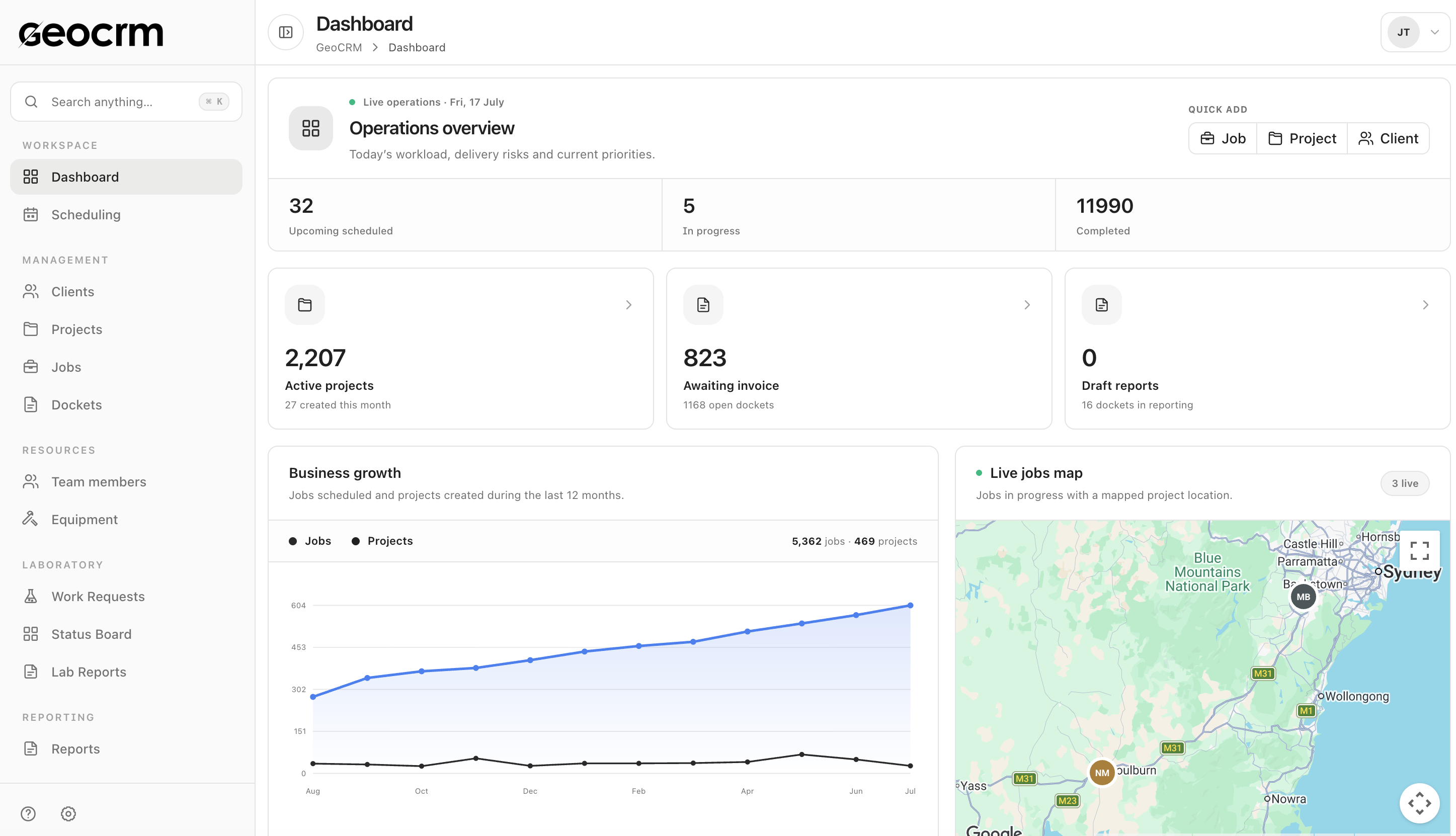
Search by name, email, phone, ABN or address instead of checking separate contact lists and project folders.
Keep the client type, current contact information and address details in a consistent structure.
See how many projects are connected to the client and move into the delivery record without rebuilding the relationship context.
Client register
Use one register for client identity, contact information, address and connected project counts, with filters for organisations and individuals.
Delivery context
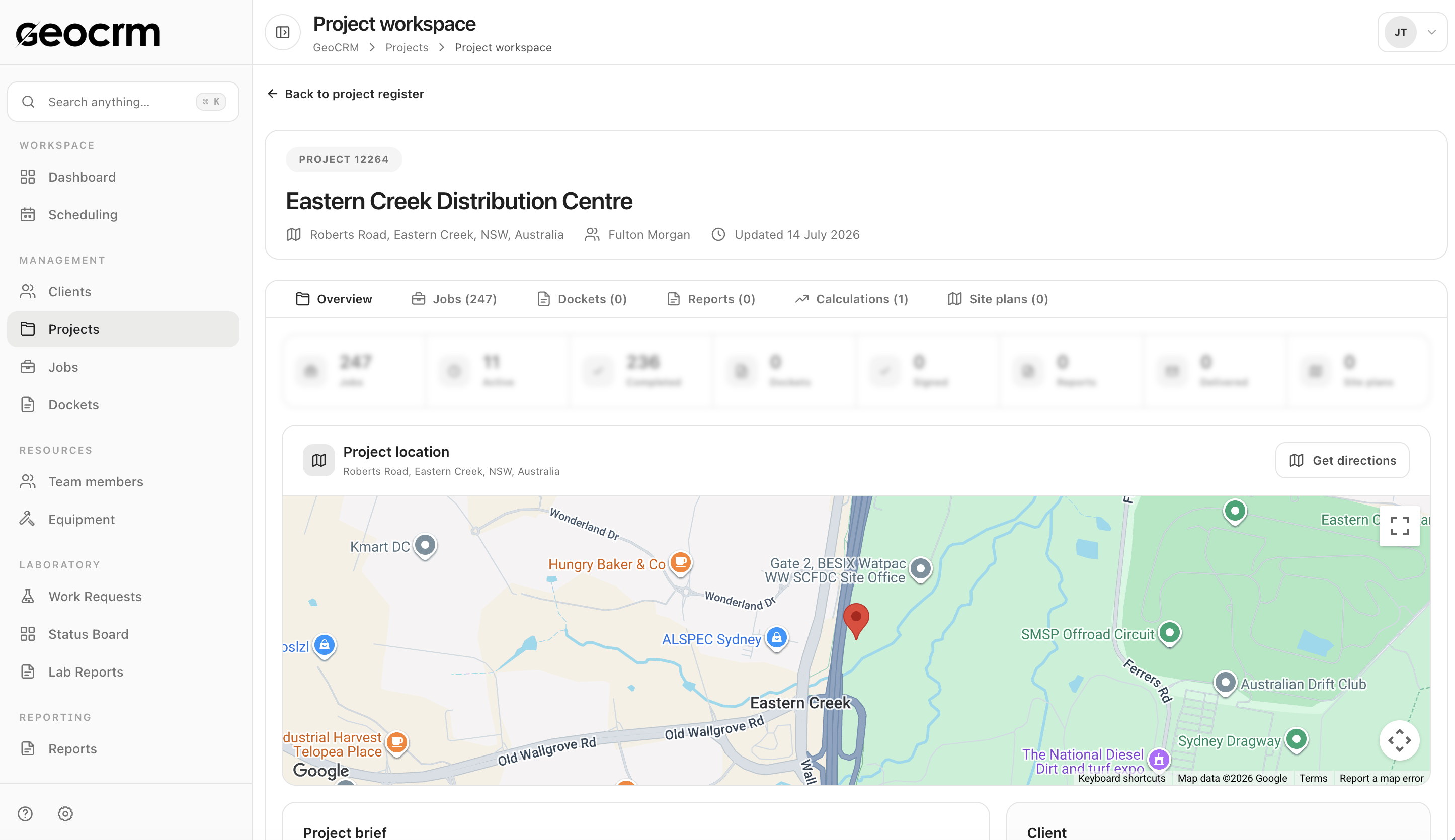
Project work retains the client, location and delivery records required by coordinators, field staff and report preparation.
No. Its primary value is keeping client identity and contacts connected to geotechnical project delivery. The current website does not claim a broad marketing-automation or enterprise sales suite.
Yes. The client register supports organisation and individual records.
Yes. The register can be searched using fields including name, email, phone, ABN and address.
Yes. The register displays connected project and contact counts so the office can identify the relationship behind current work.
Yes. Client and project data can be established first, then used as the shared context when scheduling, dockets and reporting are introduced.
Bring one active client and project
We will map the client record, project context and the operational information your office needs before scheduling and fieldwork begin.