Control the project record
Keep the client, project number, site, locations, jobs, dockets and deliverables connected in one workspace.

GeoCRM brings project setup, field scheduling, digital dockets, field data, laboratory requests and reporting into one operational chain for geotechnical teams.
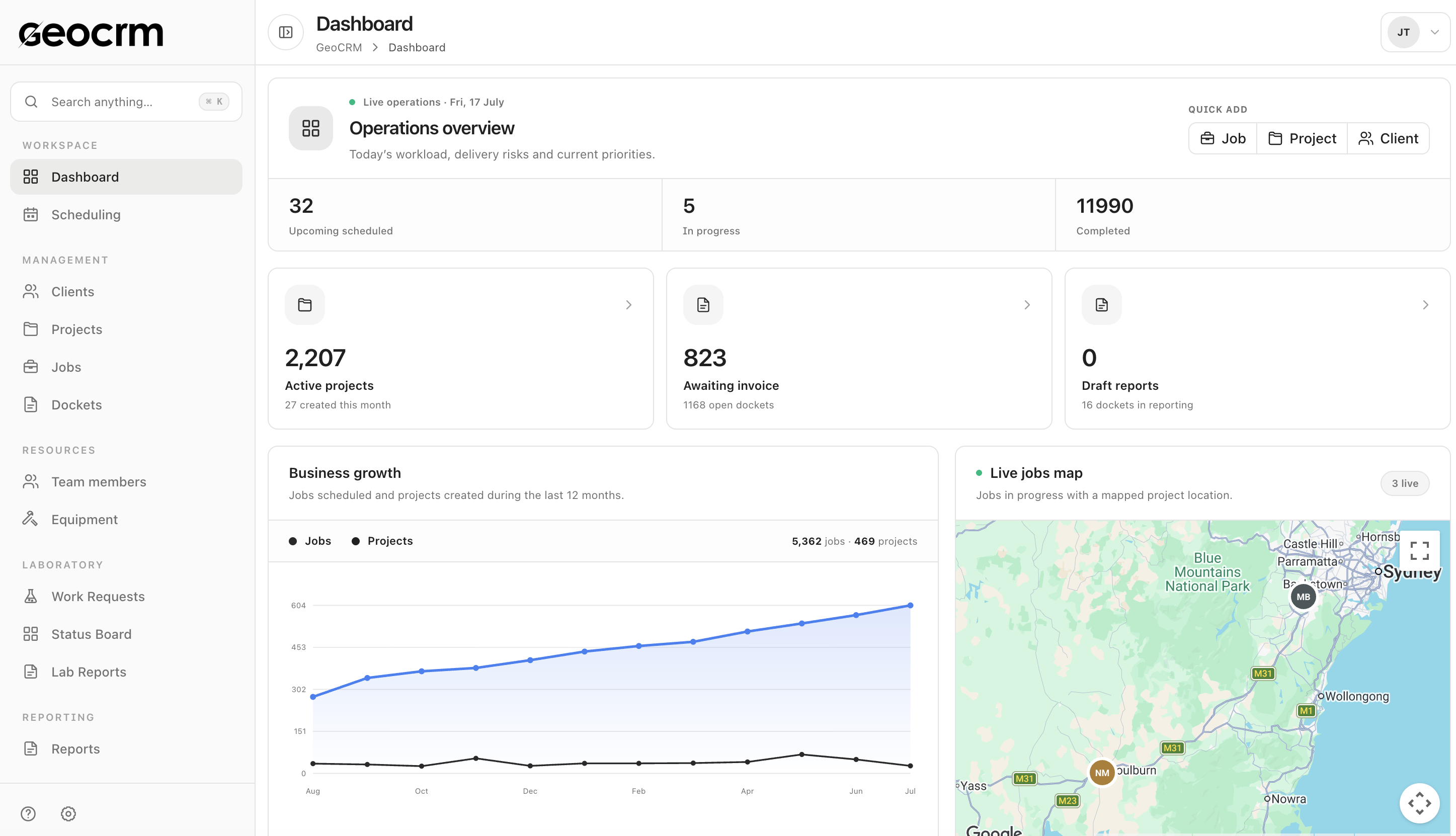
Keep the client, project number, site, locations, jobs, dockets and deliverables connected in one workspace.
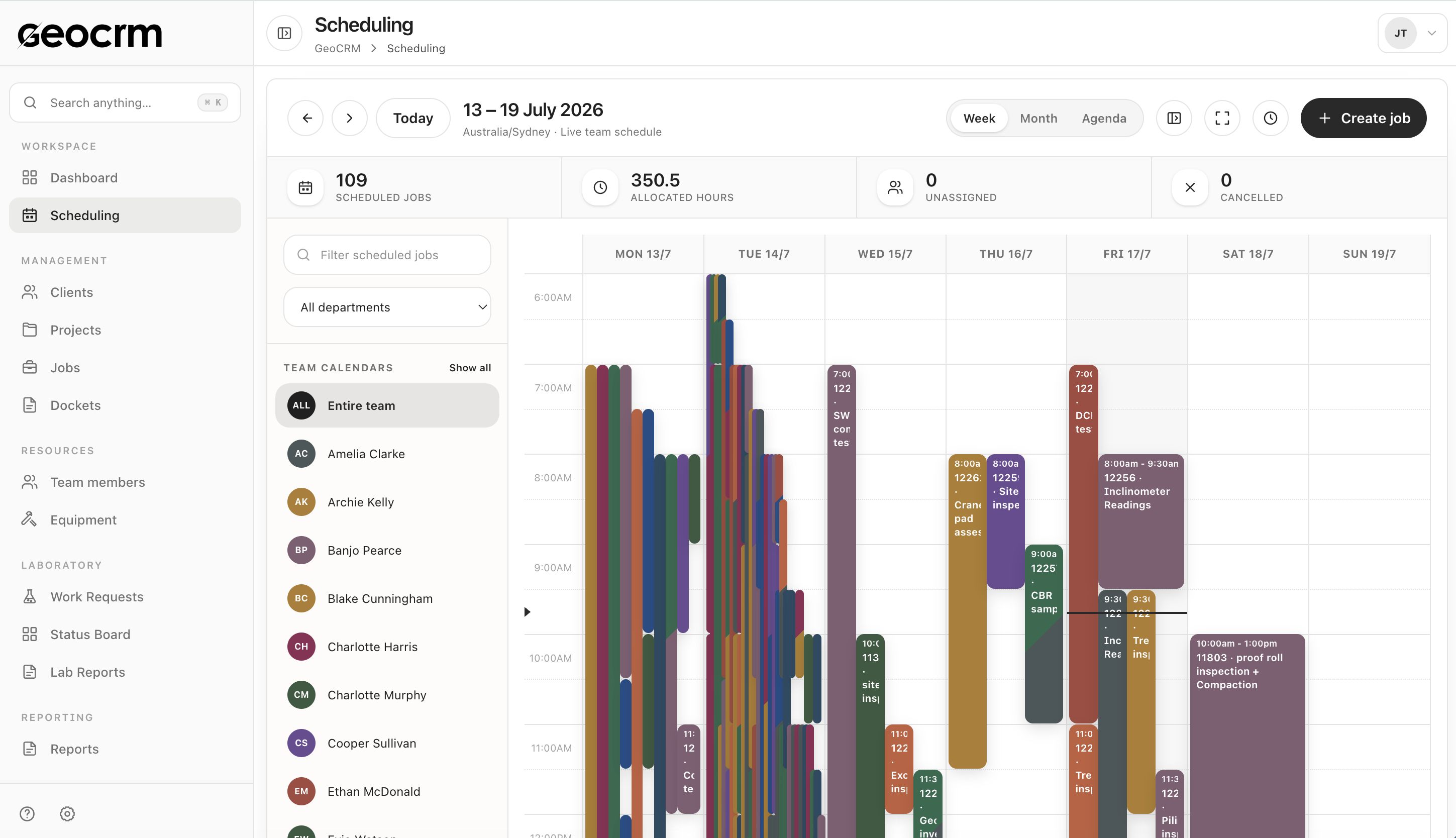
Schedule fieldwork, allocate people and capture work items, notes, photos, hours and client sign-off against the job.
Track docket, laboratory and reporting states so the next action remains visible after the field visit.
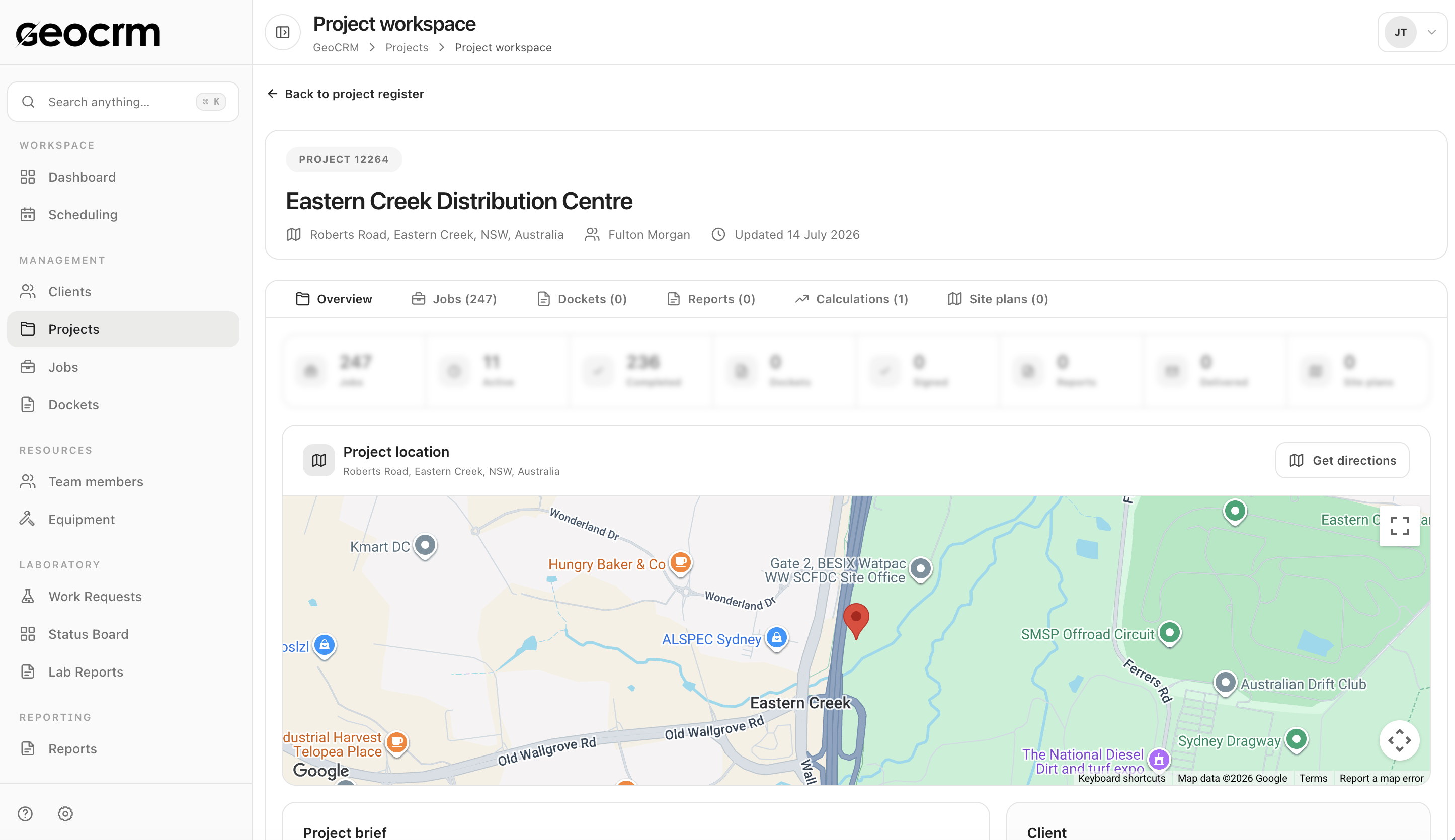
Project control
Keep the project number, client, site and delivery history together with its jobs, dockets, reports, calculations and site plans.
Field operations
Allocate field staff from the shared schedule, then keep notes, work items, photos, time and sign-off in the digital docket.
Reporting
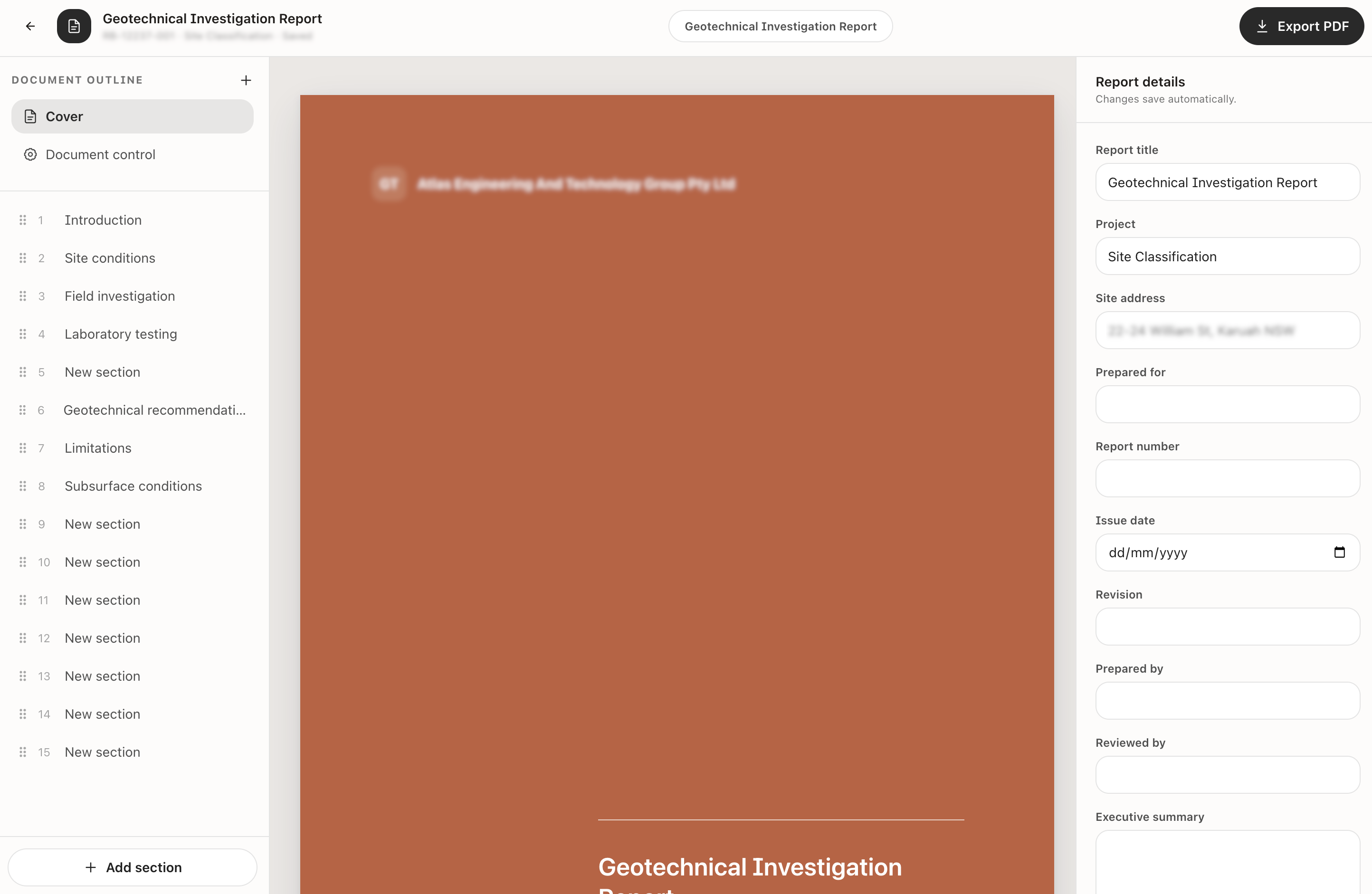
Build structured report sections, maintain document-control details and export the finished deliverable as a PDF.
Start with the area creating the most daily coordination pressure. For many geotechnical teams that is job scheduling, digital dockets or report preparation. Adjacent workflows can then be connected in stages.
Yes. Project, location, allocation and delivery context remains attached as the work moves through scheduling, field capture, docket review and reporting.
Yes. GeoCRM includes field jobs and digital dockets alongside laboratory work requests, status tracking and lab reporting workflows.
Implementation is scoped around your current process and outputs. Bring a representative report or docket to the demo so the required configuration and migration approach can be assessed.
Yes. Projects retain site and location context while the shared schedule, job registers and dashboards help coordinators manage work across active locations.
Use one of your real jobs
Bring a current project, field schedule, docket or report. We will show how the work can stay connected from setup to delivery.