The docket arrives late or incomplete
The office cannot review the work until the technician returns, sends a scan or fills gaps from memory.

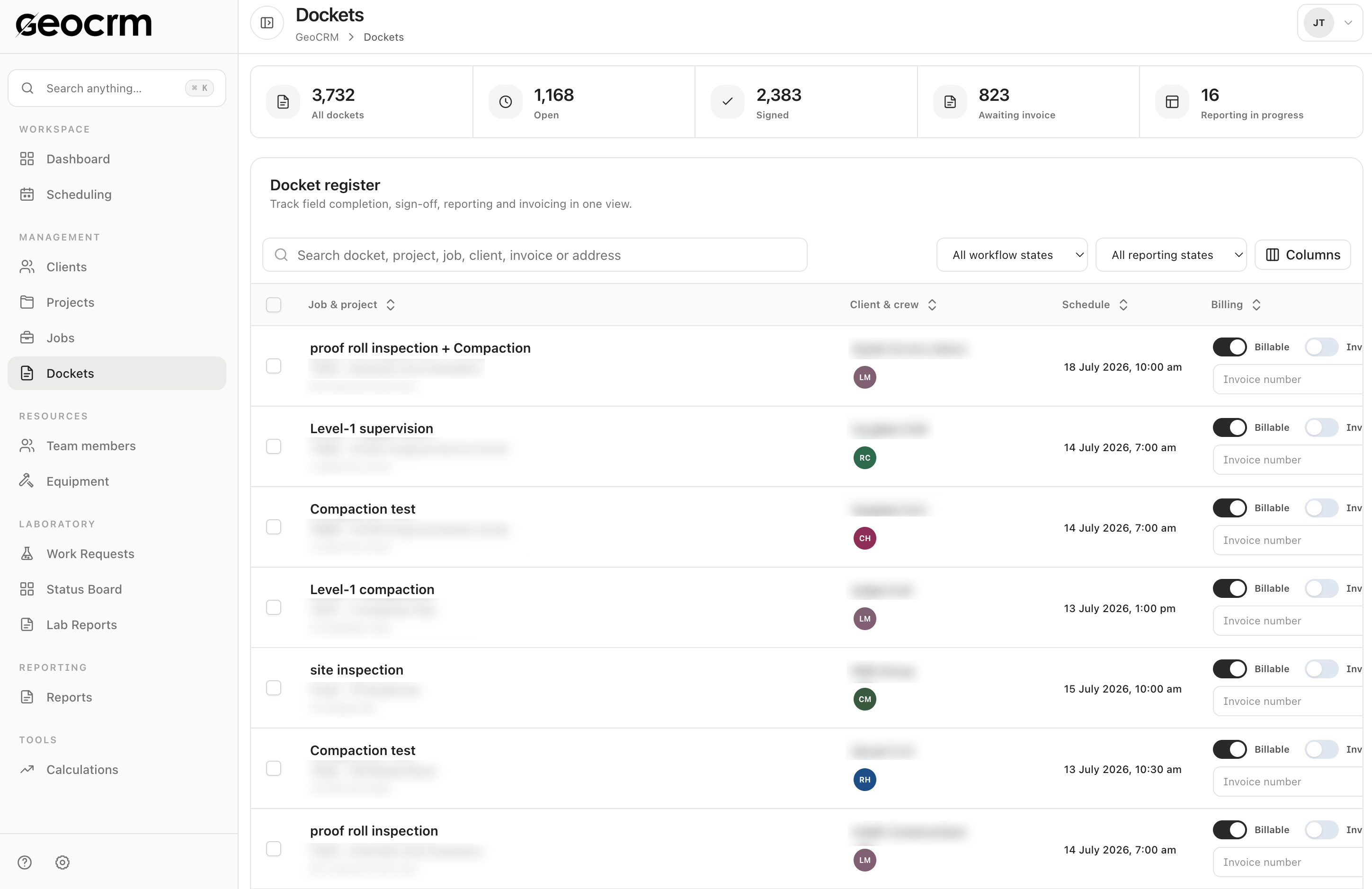
A digital docket should do more than copy a paper form onto a screen. It should keep the field record attached to the scheduled job and give the office a clear path into review, reporting and billing.
The office cannot review the work until the technician returns, sends a scan or fills gaps from memory.
A site name, shorthand reference or forwarded PDF must be reconciled with the correct project before anyone can report or invoice the work.
Evidence is spread across phones, messages, email and shared folders instead of remaining with the field record it supports.
Information already recorded in the field is typed again into reporting, timesheet or billing processes, creating delay and another opportunity for error.
A completed docket may still be waiting for review, a report or an invoice, but that state is hidden in an inbox or known only to one person.
Step 1 · Preserve job identity
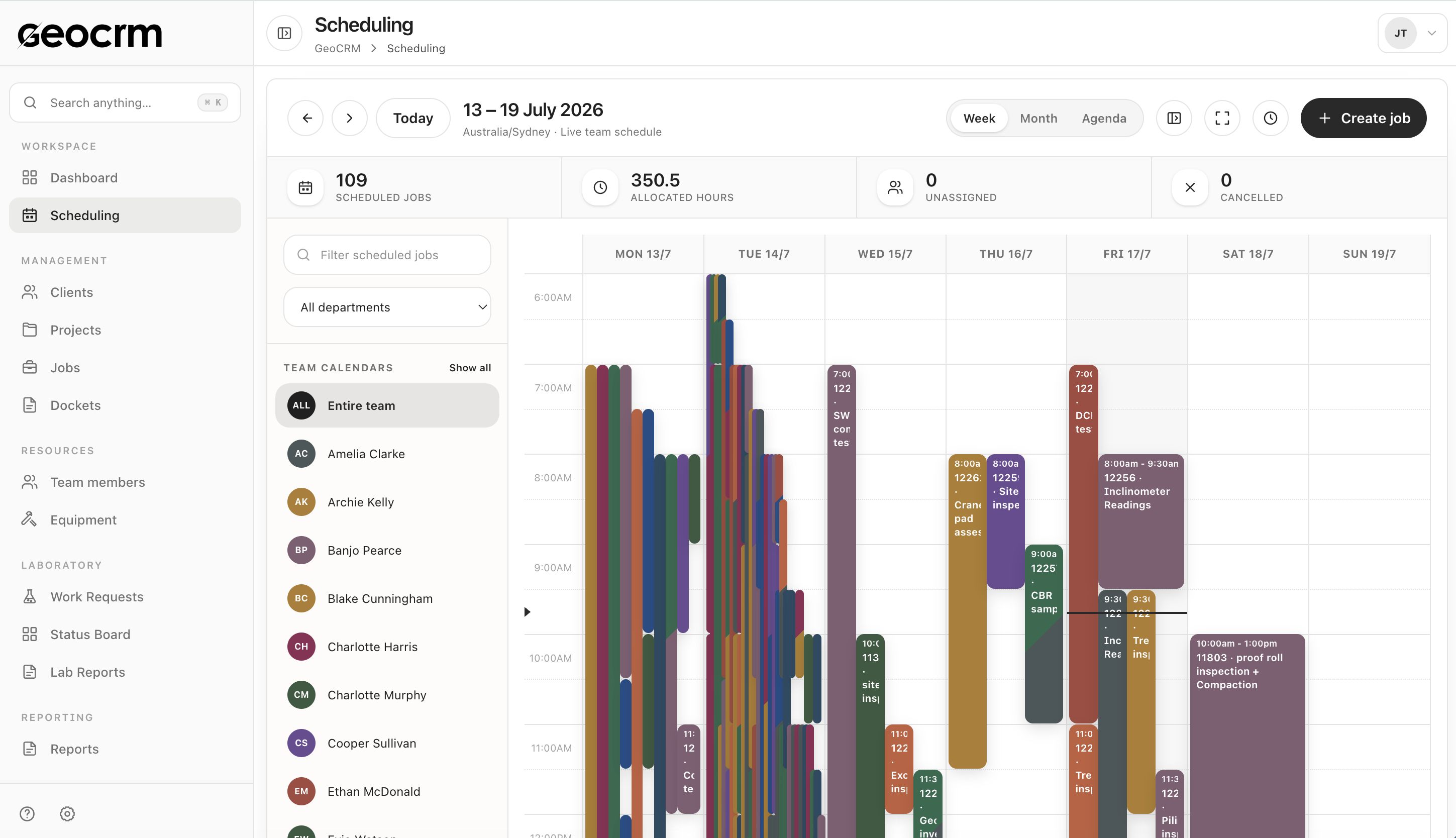
Create the field record against the correct project, site and job so the technician does not have to reconstruct identity in the field and the office does not have to match an isolated form later.
Step 2 · Capture the working record
A useful docket records what was done and the context needed to review it: work items and quantities, notes, images, start and end time, travel, and any applicable weekend or night-shift details.
Step 3 · Make the handoff visible
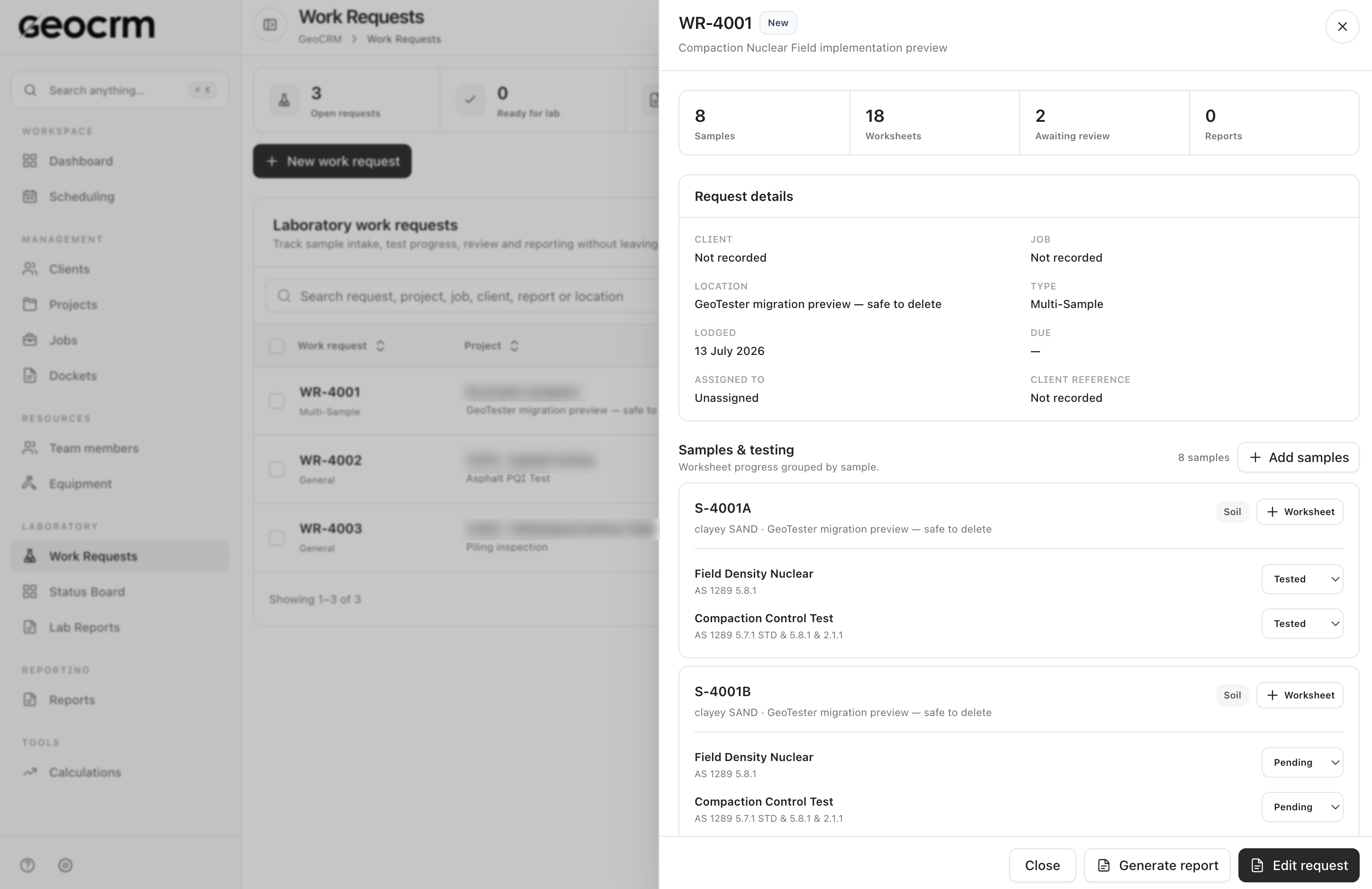
After the client name and signature are captured, the office still needs to know whether the docket is locked or emailed, whether reporting is complete, and whether the work is billable or invoiced.
Mark every field, attachment, signature and office action. Remove duplicate fields only after confirming why they exist.
Agree who creates the job, who completes and signs the docket, who reviews it, and who advances reporting and billing status.
Choose work the team understands well. Include ordinary visits plus at least a few changes, missing details or after-hours conditions.
Open the docket from the job the team was allocated so project and location context remains consistent from dispatch to completion.
Measure how quickly the office can find the record, confirm sign-off, begin reporting and identify work ready for billing.
It is a structured record of work completed on a field job. For a geotechnical team, it can keep the project and job reference, work items, notes, images, time, travel and client sign-off together, then expose the record to the office for the next action.
A fillable PDF digitises the form, but it may still be saved, named, sent and reconciled manually. A connected workflow also preserves job identity and makes downstream review, reporting and billing status visible.
That depends on your contracts, client requirements and internal controls. Confirm those requirements before rollout and retain the signer identity and the docket context your organisation needs.
No. You can begin with the docket. Linking it to the shared schedule increases its value because the project, location, timing and assigned team can remain consistent across the workflow.
Usually, keep historical records in a controlled read-only archive and migrate only what is required for active projects, current client queries or an identified record-keeping obligation.
Yes. Start by improving field capture and office review, then connect reporting once the docket content and ownership are trusted. GeoCRM can show reporting and invoicing states alongside the docket workflow.
Bring one current field docket
We will use one representative job to map work items, evidence, time, client sign-off and the next reporting or billing action in GeoCRM.