Project setup
Create the shared project record for location, client and downstream delivery work.

Explore the connected GeoCRM workflows used to manage projects, schedule field teams, capture digital dockets and field data, and produce geotechnical reports.
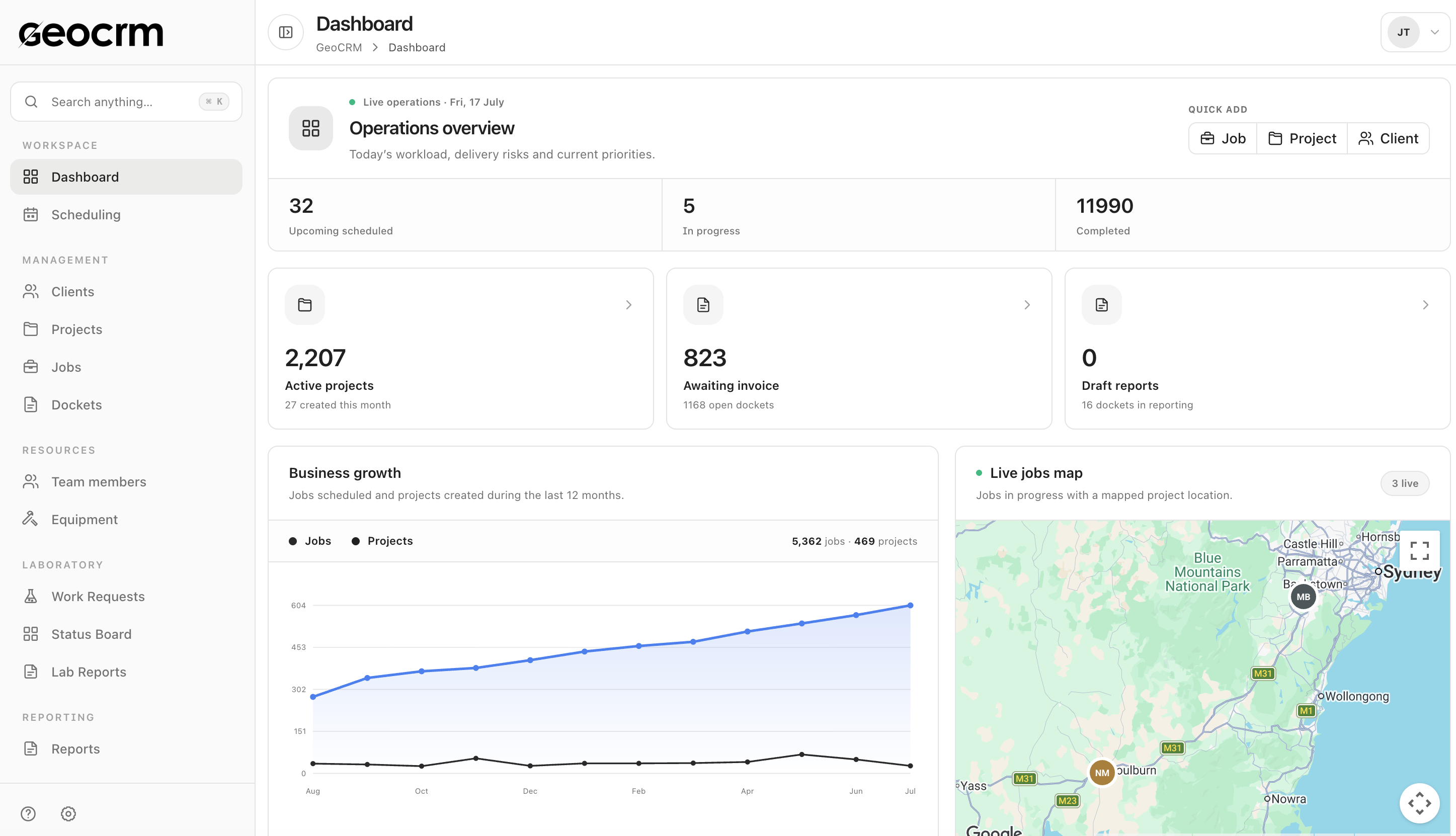
Create the shared project record for location, client and downstream delivery work.
Plan jobs, allocate staff and keep site and dispatch information attached.
Record work items, notes, photos, hours and signatures while the job is current.
Track open, signed, emailed, reporting and invoicing states from one register.
Build the report with structured sections, document details and PDF export.
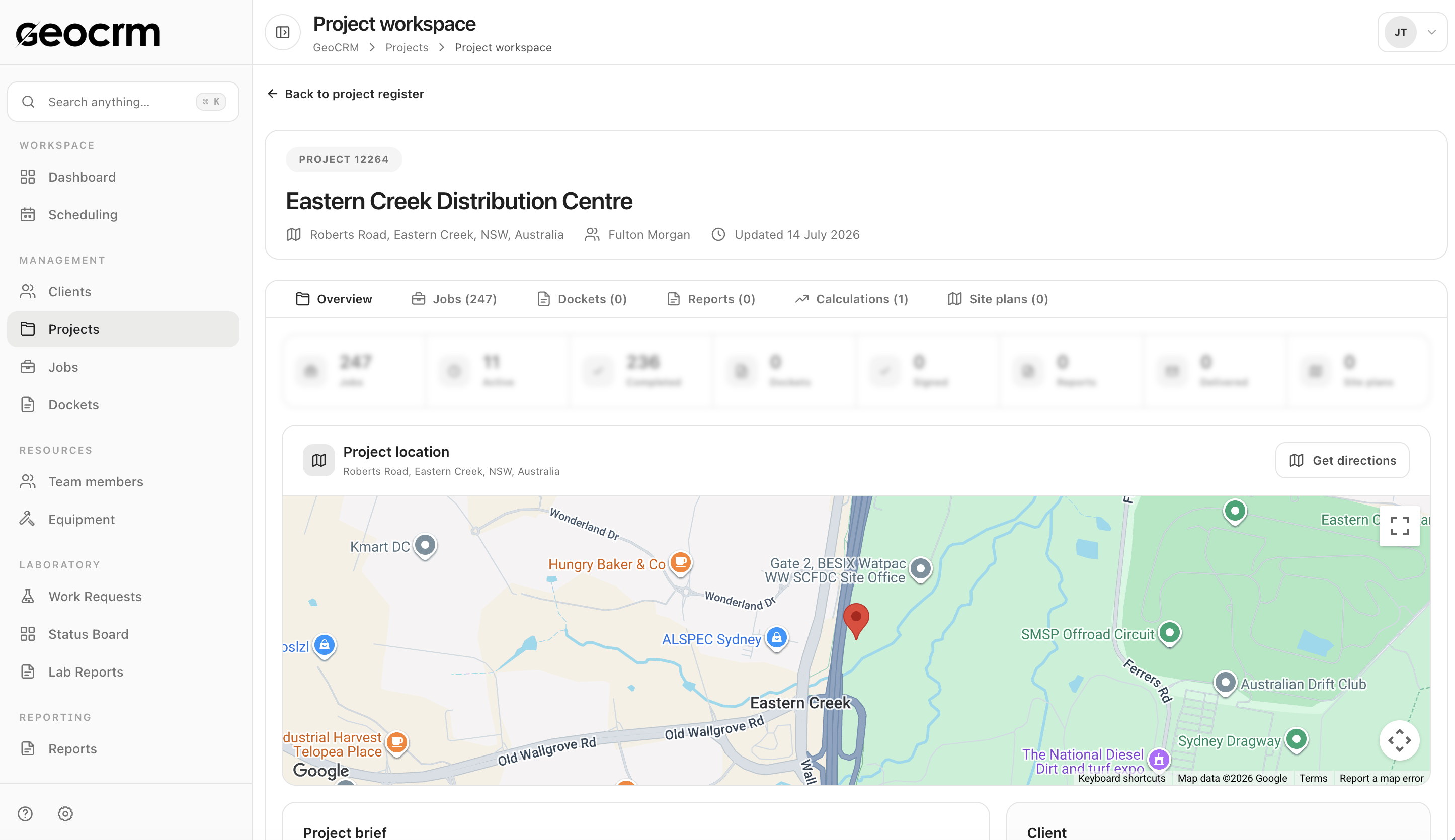
Project control
Keep the project number, location and client context with its jobs, dockets, reports, calculations and site plans.
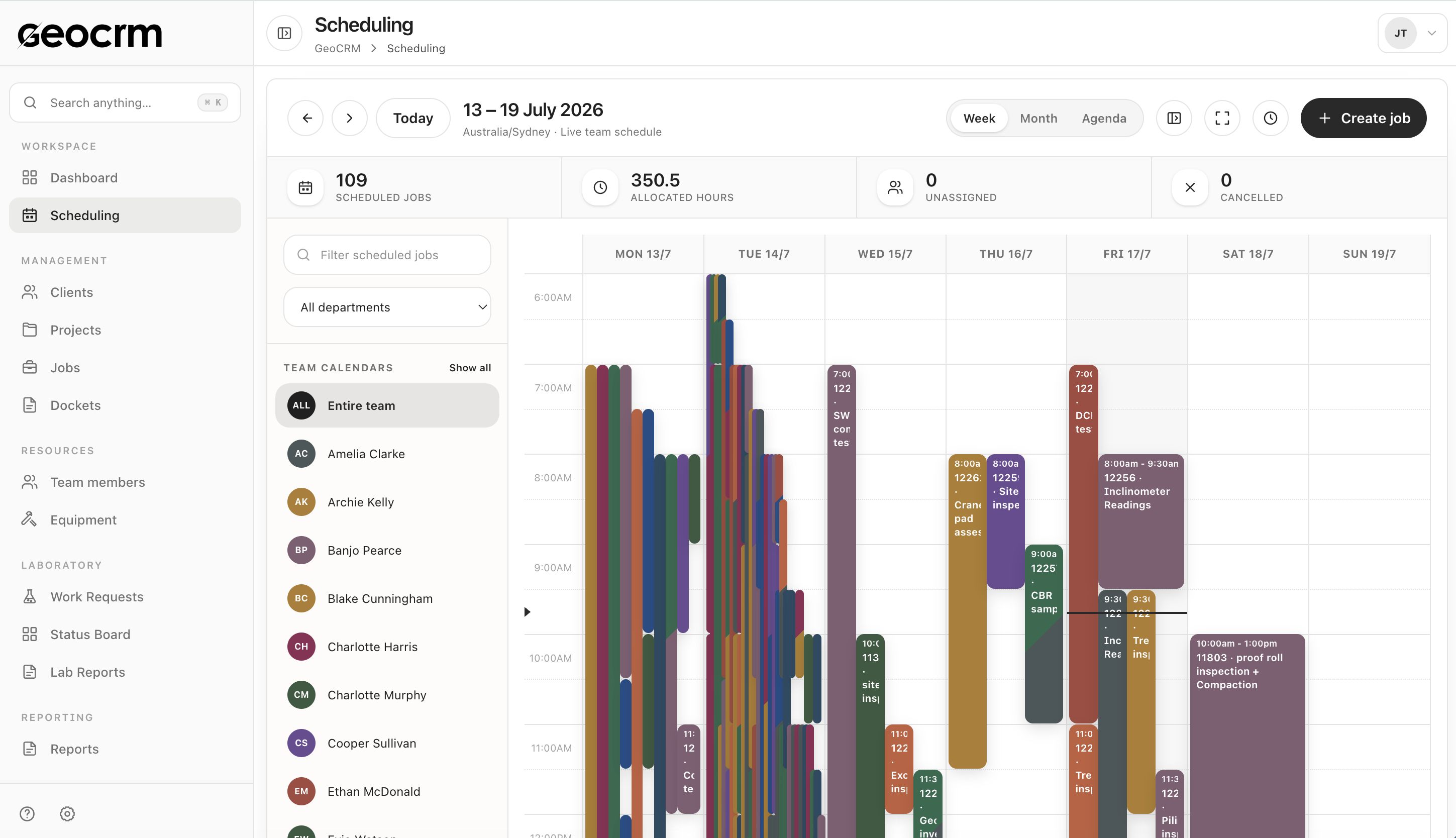
Field operations
Allocate field jobs from the live team schedule, then track the resulting digital docket, sign-off, reporting and billing status.
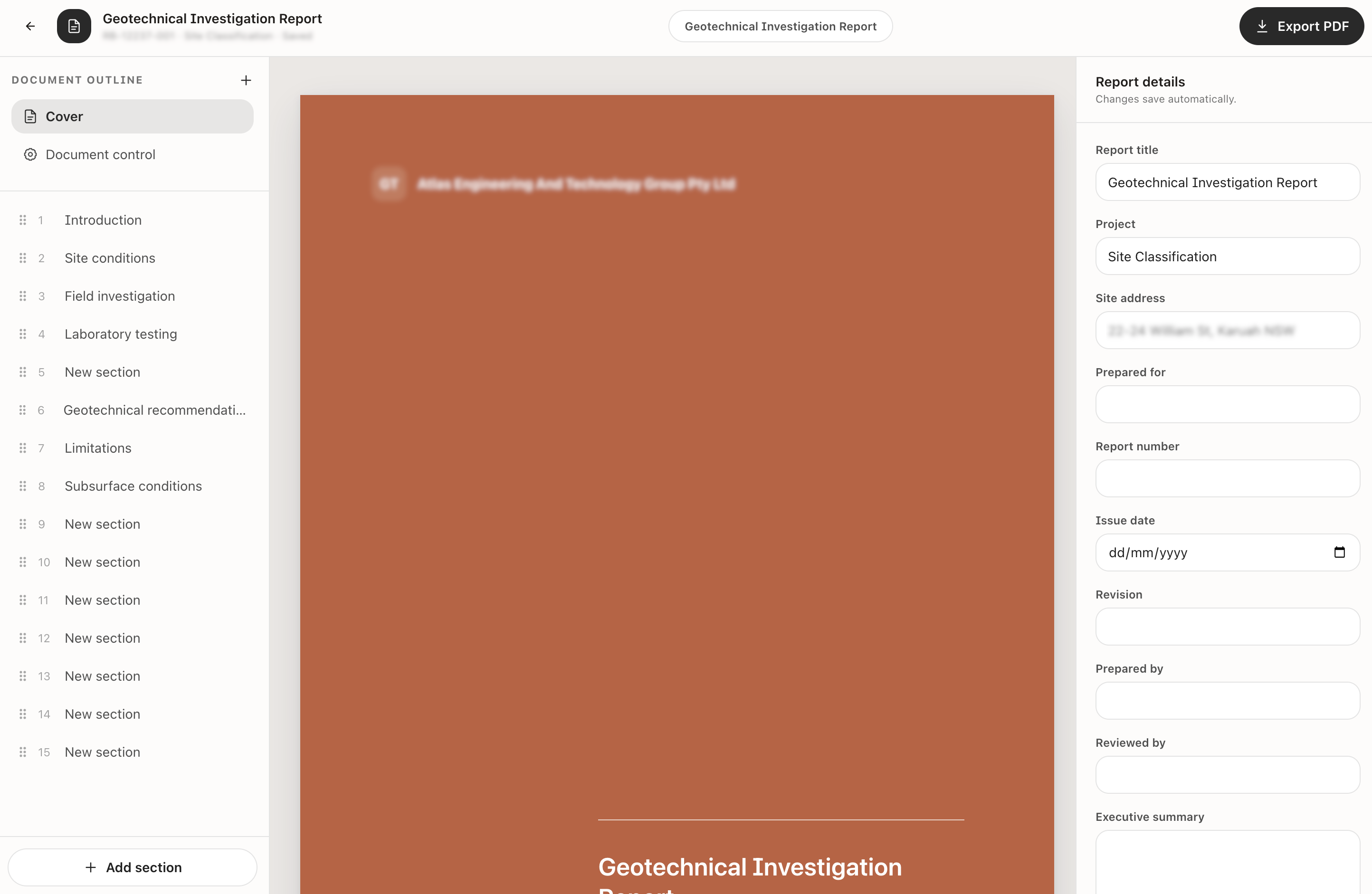
Reporting
Build the report outline, maintain document-control details and export the finished deliverable as a PDF.
One workspace for project delivery records.
Learn morePlan jobs, people and field capacity.
Learn moreCapture and track field completion.
Learn moreBuild and export structured reports.
Learn moreTrack requests, samples, tests and reviews.
Learn moreSave calculations, results and revisions.
Learn moreKeep equipment status and ownership visible.
Learn moreSee people, departments and workload.
Learn moreStart with the workflow creating the most daily coordination pressure. For many teams that is scheduling, digital dockets or reporting. GeoCRM can then connect the adjacent stages without requiring a complete operational change on day one.
GeoCRM is designed to move the active project, schedule, field record and report workflow into shared operational registers. The exact migration scope is agreed during implementation.
Yes. Projects, jobs and dockets retain shared client, location, timing and delivery context so each team can continue from the same current record.
Yes. Bring a representative project, scheduling, docket or reporting process to the demo and we will map it through the relevant GeoCRM screens.
Start with your workflow
We will map where GeoCRM can remove re-entry, unclear ownership and manual status chasing.