1. Set up the project
Create the shared record for client, site, location and delivery work.

Keep project setup, field scheduling, digital dockets, field data, office review and report preparation in one operational chain.
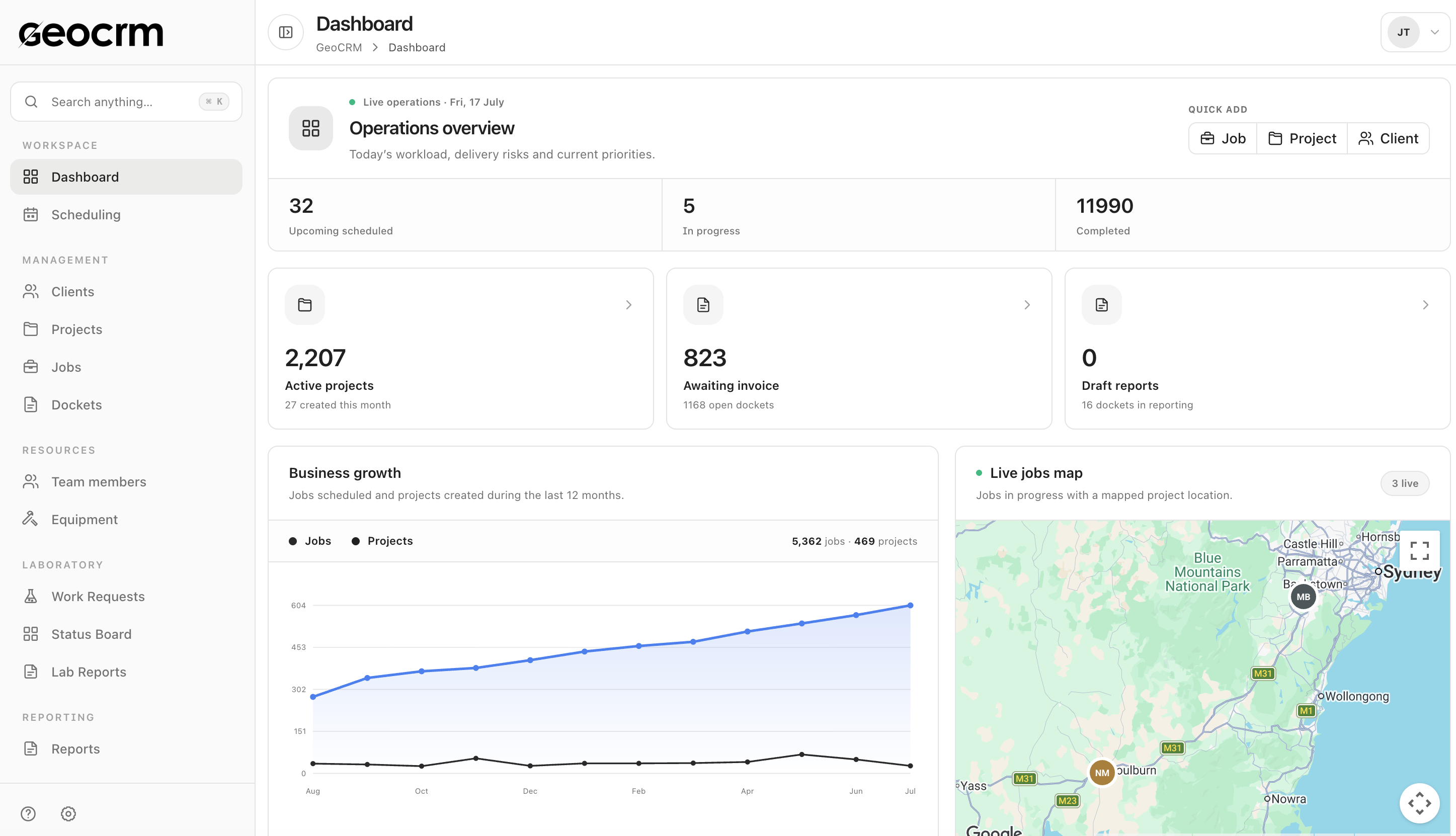
Create the shared record for client, site, location and delivery work.
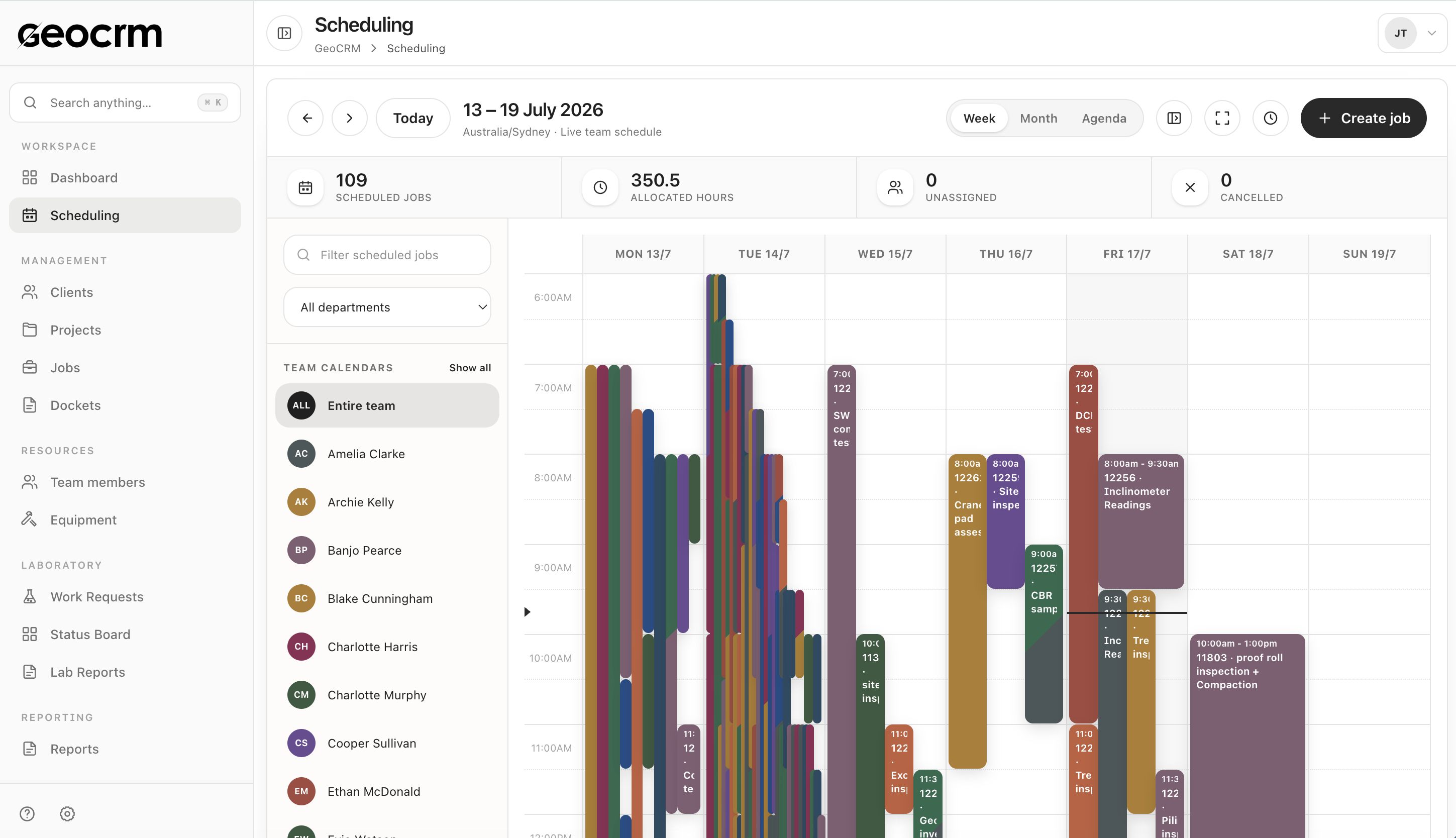
Allocate people and time with the project and site details attached.
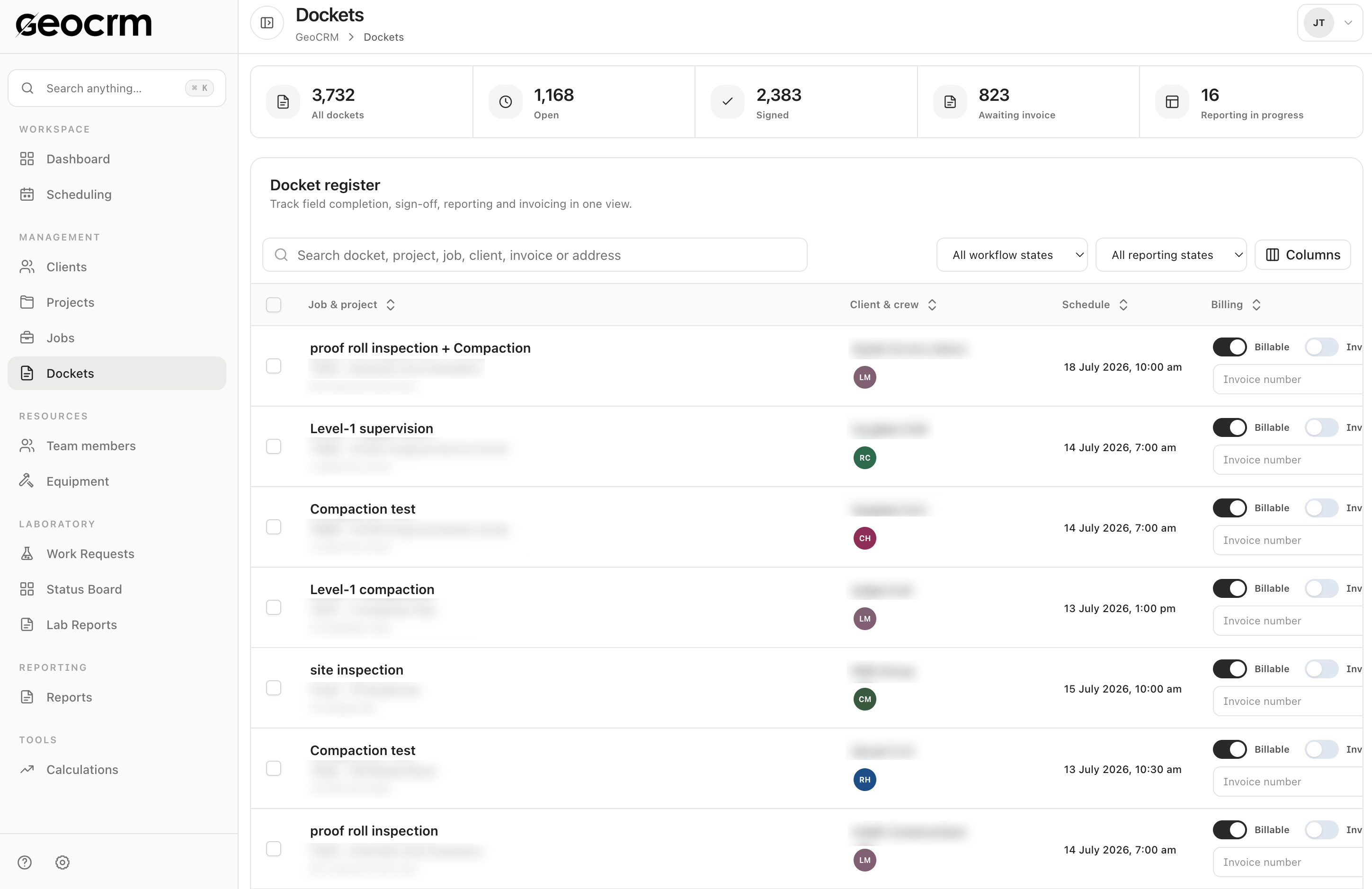
Record work items, notes, photos, hours and client sign-off in the digital docket.
Track docket completion, reporting status and what still requires office action.
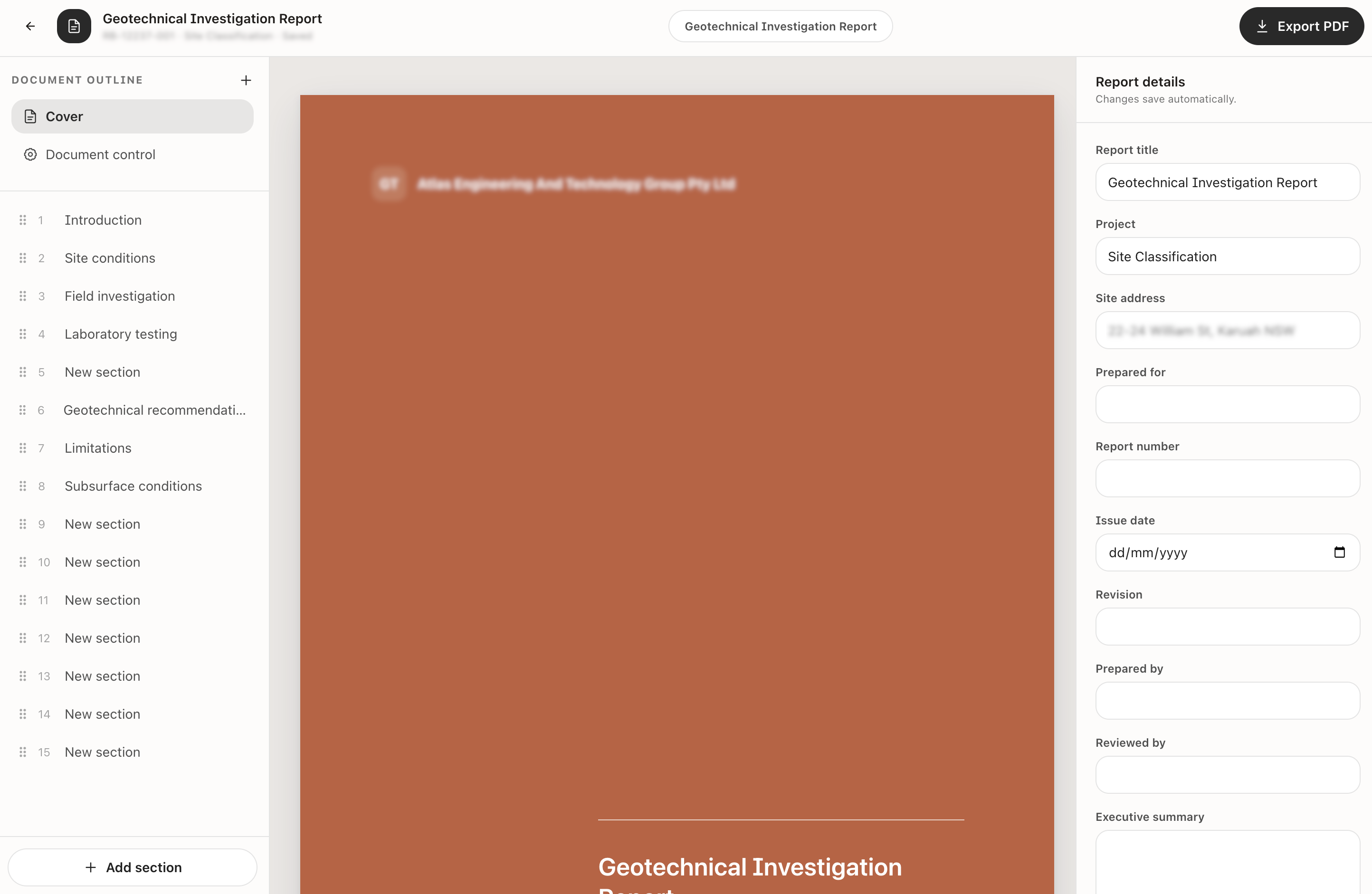
Prepare the structured document with project and document-control details.
Plan
Use the live team schedule to allocate the work, then confirm the project, field location, timing and dispatch summary.
Capture and hand off
Capture field information against the job, then use the docket register to track sign-off, reporting and invoicing readiness.
Report
Prepare structured report sections, maintain document-control details and export the completed deliverable as a PDF.
Yes. The scheduled job carries project, location, timing and allocation context into the downstream field and docket workflow.
The digital docket workflow supports work items, quantities, notes, images, hours, travel, shift information and client sign-off.
Yes. Dockets can be filtered by workflow and reporting state, with signed, emailed, billable and invoiced status also visible.
Yes. Reports are retained from the project workspace alongside jobs, dockets, calculations, location and site plans.
Yes. Teams can begin with scheduling, field dockets or reporting and connect the adjacent stages as the operating process is adopted.
Map your real workflow
We will map it from project setup through the field docket and into the final report inside GeoCRM.