GeoCRM
Field assets and custodians

Geotechnical equipment management software.

Maintain a searchable register for vehicles, drilling, testing, surveying, safety, laboratory and field equipment, with ownership and readiness details visible to the office.

Asset and serial identity Custodian visibility Expiry and lifecycle status
Geotechnical equipment management software.

Know what the asset is, who holds it and whether it needs attention The equipment register gives coordinators a consistent operational record instead of relying on memory, labels and separate expiry spreadsheets.

Structured asset identity

Record the equipment name, category, serial or registration, asset code, brand and model.

Current custodian

Show whether equipment is assigned or unassigned and identify the current holder when responsibility has been allocated.

Lifecycle and expiry visibility

Distinguish active, inactive, under-maintenance and retired assets, with a registration or certification date where required.

Equipment records that support operational planning Keep the asset register clear enough to support day-to-day coordination without making unsupported automation or compliance claims.

Equipment register

Search and filter assets using operational fields.

Find equipment by name, serial, asset code, brand or model, then narrow the register by category or lifecycle status.

  • Search across asset identity
  • Category and status filters
  • Custodian and expiry columns
Book an equipment walkthrough
Search and filter assets using operational fields.

Field planning

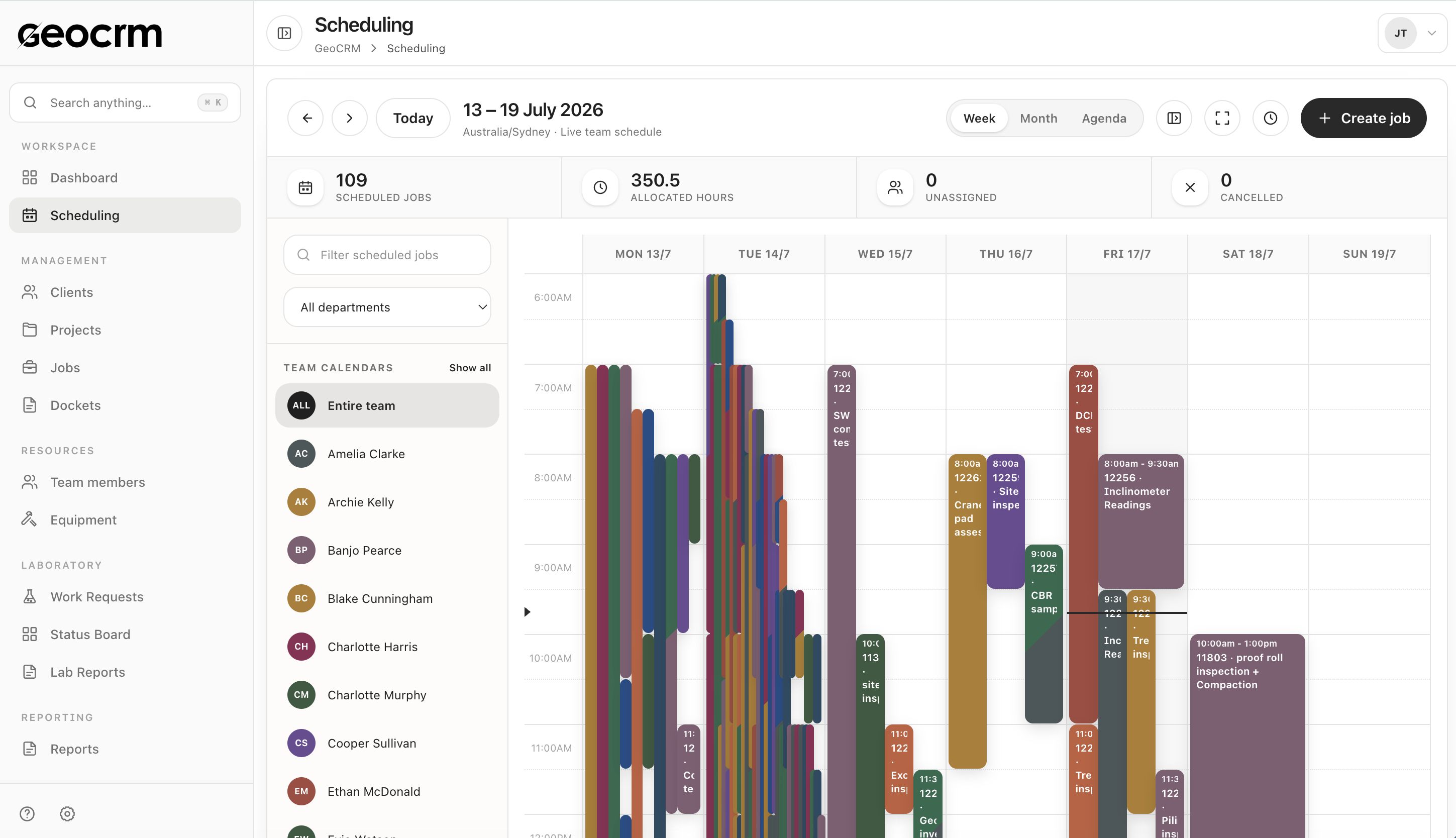
Keep equipment readiness close to the schedule it supports.

Use the asset record alongside the live job schedule so coordinators can check ownership and status when planning field delivery.
  • Named asset responsibility
  • Visible lifecycle state
  • Field schedule available in the same platform
Explore job scheduling
Keep equipment readiness close to the schedule it supports.

What the equipment record can hold Enough identity and ownership context to make the register useful to coordinators and asset custodians.

  • Equipment name and category
  • Active, inactive, under-maintenance or retired status
  • Serial number or registration
  • Asset code or SKU
  • Brand and model
  • Assigned custodian and assigning person
  • Registration or certification date
  • Weight, dimensions and colour
  • Short and detailed operational notes

Equipment management questions

Which equipment types can be registered?

The current register includes categories for vehicles, drilling, testing, surveying, safety, laboratory and field equipment, heavy machinery, nuclear gauges, tools and other assets.

Can we see who currently holds an asset?

Yes. Equipment can be assigned to a custodian or left visibly unassigned.

Can the register show equipment that is under maintenance?

Yes. Available lifecycle states include active, inactive, under maintenance and retired.

Can we record an expiry date?

Yes. The equipment record includes a registered or certified-until date. Your organisation remains responsible for defining and enforcing its maintenance, calibration and compliance procedures.

Does this page claim automatic calibration compliance?

No. GeoCRM provides equipment fields and visibility, but this website does not claim that keeping a record automatically satisfies a standard, accreditation or legal requirement.

Bring one asset register

Map the equipment fields your field operation actually uses.

We will review categories, asset identity, custodians, lifecycle states and expiry information, then show how the register sits beside field planning.